🧠 Mind map — a new document type
PR
#235
· merged ff88905 · enhanced by
#236
(right-click menu + per-node color, clarity 0.1.2)
▶ Live: kanban.aitoolstore.dev
Captured on the live site as the persistent prod test user. Powered by the
open-source clarity-mind / @clarity-mind/react packages.
1 · Create & build a mind map
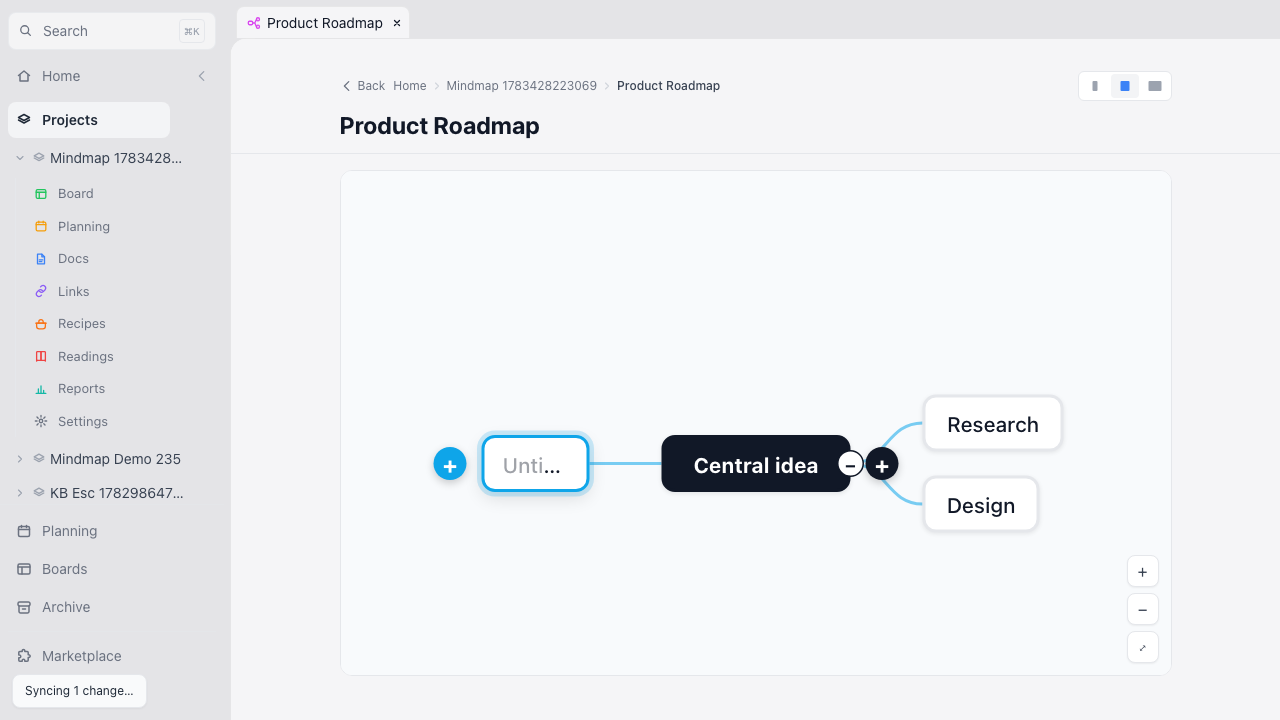
New doc → the Mind map card → it opens with the shared title field on top
(named “Product Roadmap”), then a branching canvas: click a node, Tab to
add a child, type, drag to reparent, right-click for the menu. Autosaves — note the
“Syncing 1 change…” toast.
Data action: created a temp project + a Mind map doc on prod.
2 · Mind Maps in the Extensions marketplace
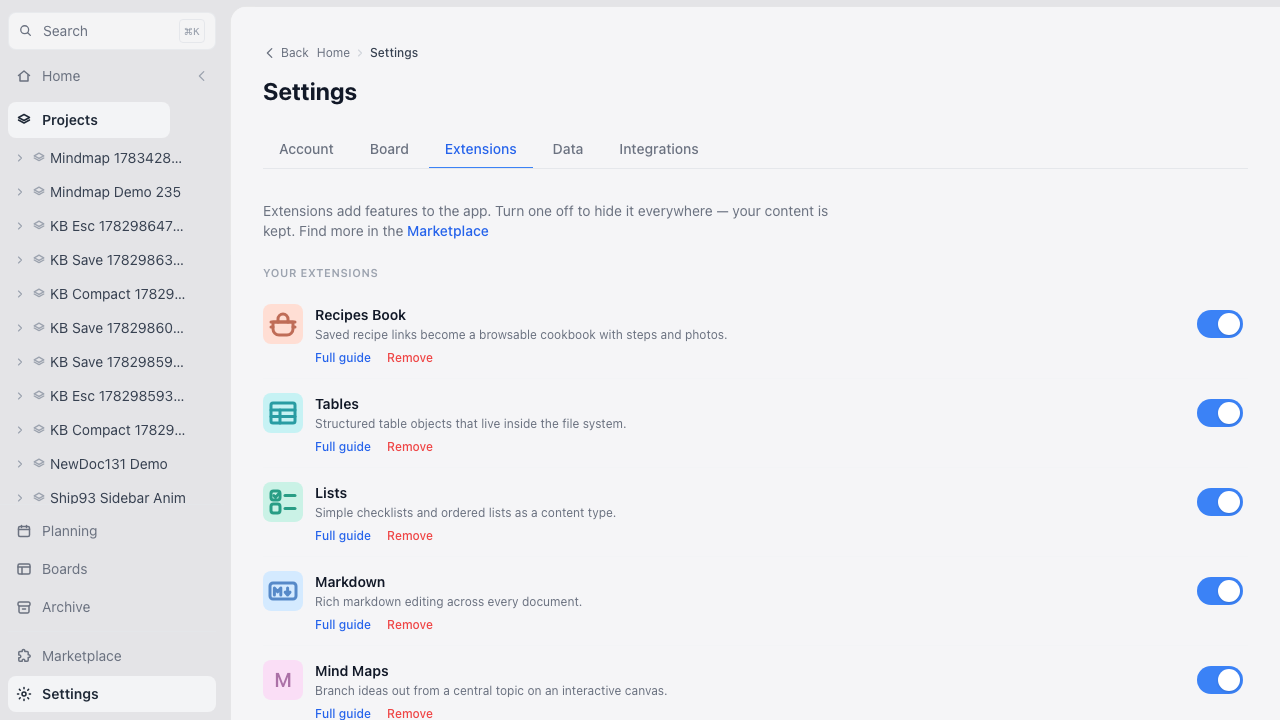
Settings → Extensions lists the new Mind Maps extension (fuchsia icon) alongside Tables/Lists/Markdown. Toggle it off to hide the doc type everywhere — your maps are kept.
Data action: read-only.