Kanban · Release · PR #79 · LIVE
Image attachments on tasks
Paste a screenshot onto a task — it's compressed, stored in Cloudflare R2, and shown on the card and in the task modal. Captured by a real end-to-end test on the production site.
At a glance
- Paste to attach — ⌘/Ctrl+V a screenshot (or drop a file) in a task's new Attachments section.
- Shown everywhere — a thumbnail on the card; full images in the modal, opening in a lightbox; remove with one click.
- Cloud-stored — bytes live in Cloudflare R2 (10 GB free, free egress); compressed to WebP (≤1600px) before upload.
- Private + per-user — an auth-gating Worker verifies your Clerk token, namespaces keys per user, and hands out short-lived signed URLs. No cross-tenant access.
- Schema — migration
0009addstasks.attachments(references only); dev + prod migrated.
How this was captured: a real e2e run on the live site (signed in as the prod test user). A temp project + board + task was created, an image pasted (uploaded to R2 via the Worker), filmed, then the project deleted — no leftover data on prod.
1FEATURE
Paste an image onto a task
Open a task, paste an image into the Attachments section — it uploads to R2 and renders as a thumbnail in the modal, and on the board card alongside the task's tag.
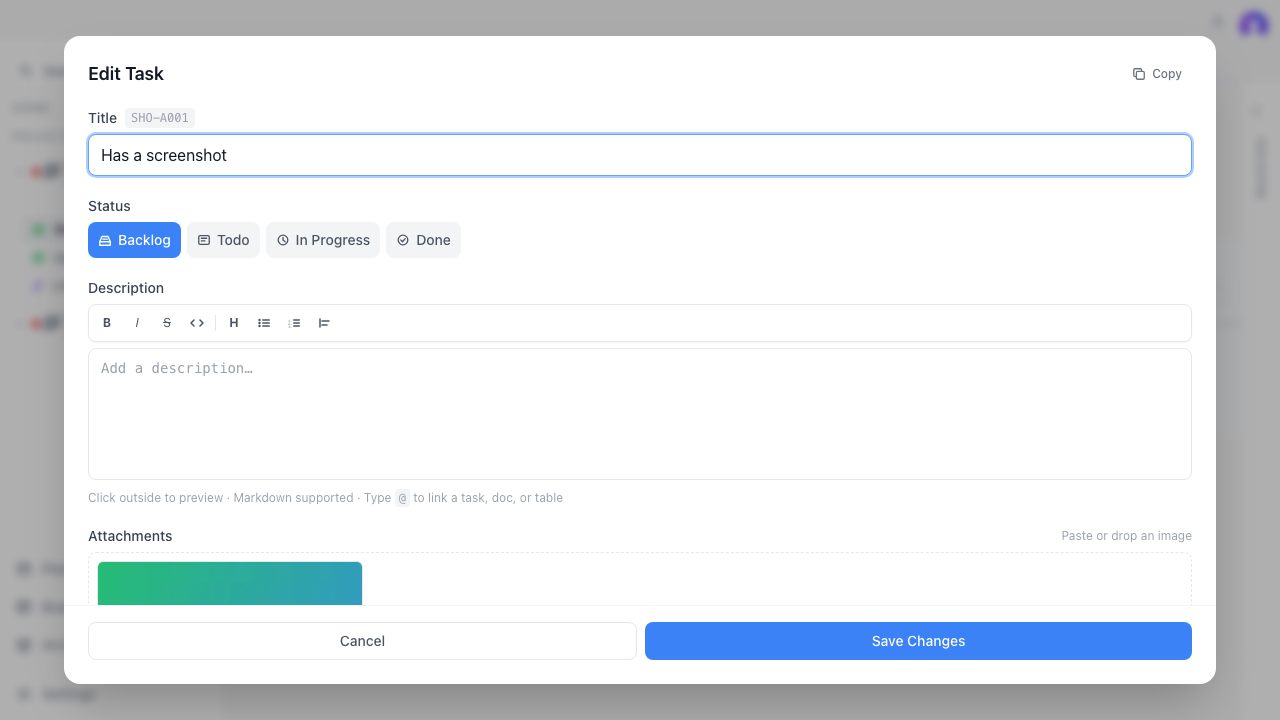
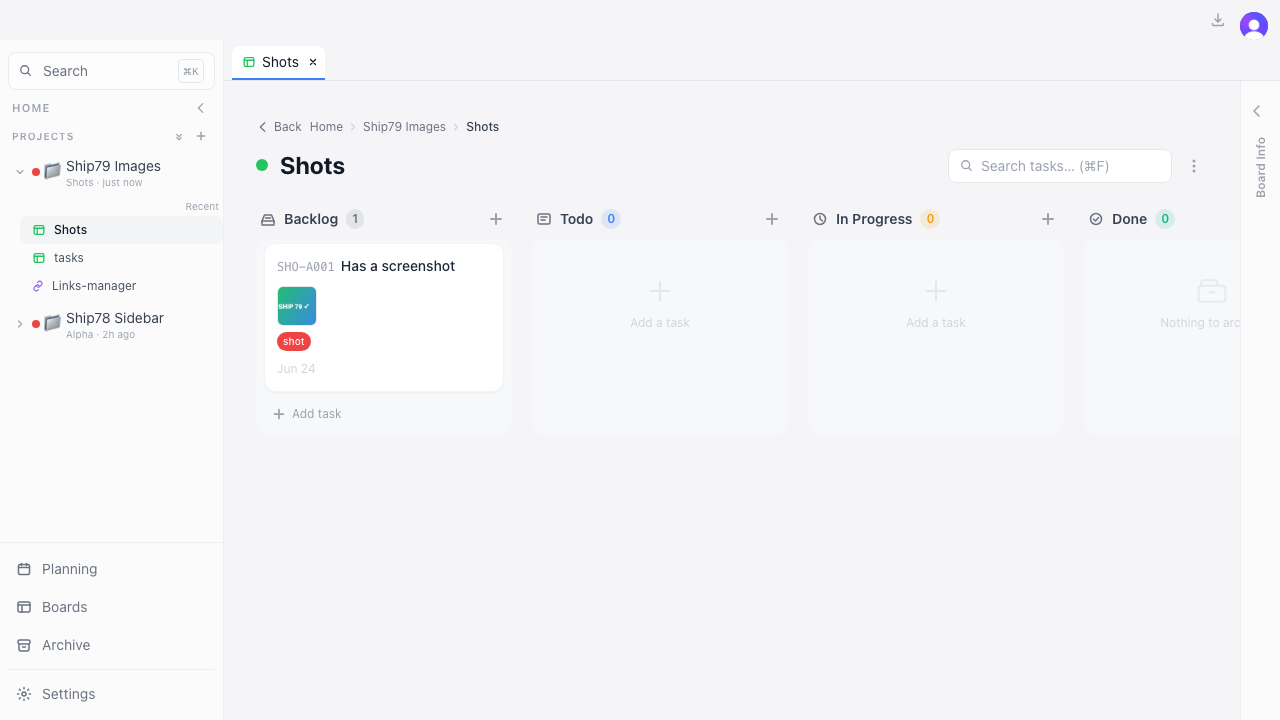
Video · pasting a screenshot onto a task — it uploads to R2 and appears on the card
Verify on the live site
- Open a task → paste a screenshot (⌘/Ctrl+V) in Attachments → a thumbnail appears.
- The card shows the thumbnail; click it to open full-size; remove with the ✕.
- Reload → the image is still there (stored in R2, synced).
✓REGRESSION WATCH
Existing flows still work
Confirmed
- Task create / edit title + description / move column / tags / subtasks.
- Pasting plain text into the description still pastes text (paste only claims images).
- Doc image attachments (Tauri) untouched; cloud attachments hidden when unconfigured.
kanban · update-app ship report · PR #79 · 2878aee · prod e2e